【编程语言】30行代码实现一个微信自动回复的机器人
本文使用了28行代码实现了一个会自动聊天的机器人.其中主要的类库是基于ichart,API接口基于api.qingyunke
环境配置
安装python与pip环境
因为读者的系统环境不同,在这里关于如何安装python环境与配置python pip环境请读者自行google,如果你当前的系统是windows,可以参考这里, 点我
安装相关模块
$ pip install itchat
$ pip install requests
$ pip install time
$ pip install re
$ pip install sys
$ pip install urllib2
$ pip install urllib
$ pip install json
系统运行
创建python文件,代码如下
#!/usr/bin/env python
# -- coding: utf-8 --
import itchat, time, re, sys, urllib2, json
from urllib import quote,unquote,urlencode
from itchat.content import *
@itchat.msg_register([TEXT])
def text_reply(msg):
	m = quote(msg['Text'].encode('utf8'))
	url = 'http://api.qingyunke.com/api.php?key=free&appid=0&msg='+m
	print url
	raw = urllib2.urlopen(url)
	try:
	    data = json.loads(raw.read().decode('utf-8'))
	    #print data['response']
	    print data['content']
	    itchat.send((data['content']), msg['FromUserName'])
	except:
	    pass
@itchat.msg_register([PICTURE, RECORDING, VIDEO, SHARING])
def pic_reply(msg):
    itchat.send((unicode('图片不错','gb2312')),msg['FromUserName'])
    #itchat.send('@img@1.jpg', msg['FromUserName'])
if __name__ == '__main__':
    default_encoding = 'utf-8'
    index = 0
    if sys.getdefaultencoding() != default_encoding:
        itchat.auto_login(enableCmdQR=False,hotReload=True)
        itchat.run()
运行模块
python auto-reply-wechat.py
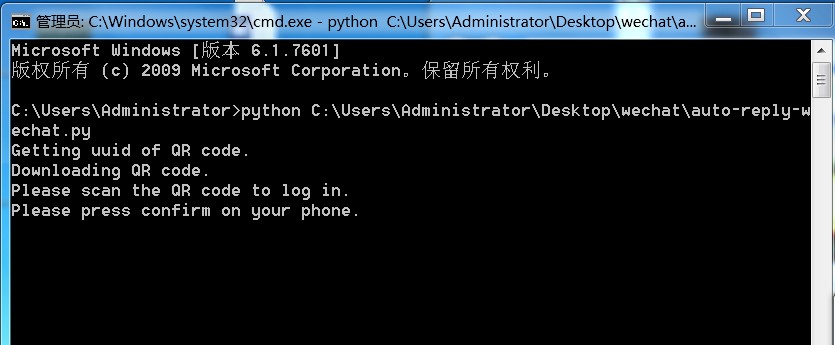
扫码登录
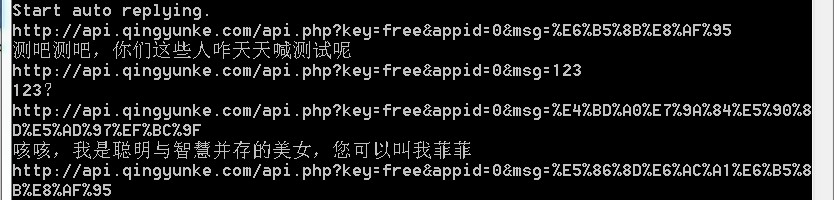
后台运行界面
前台展示效果
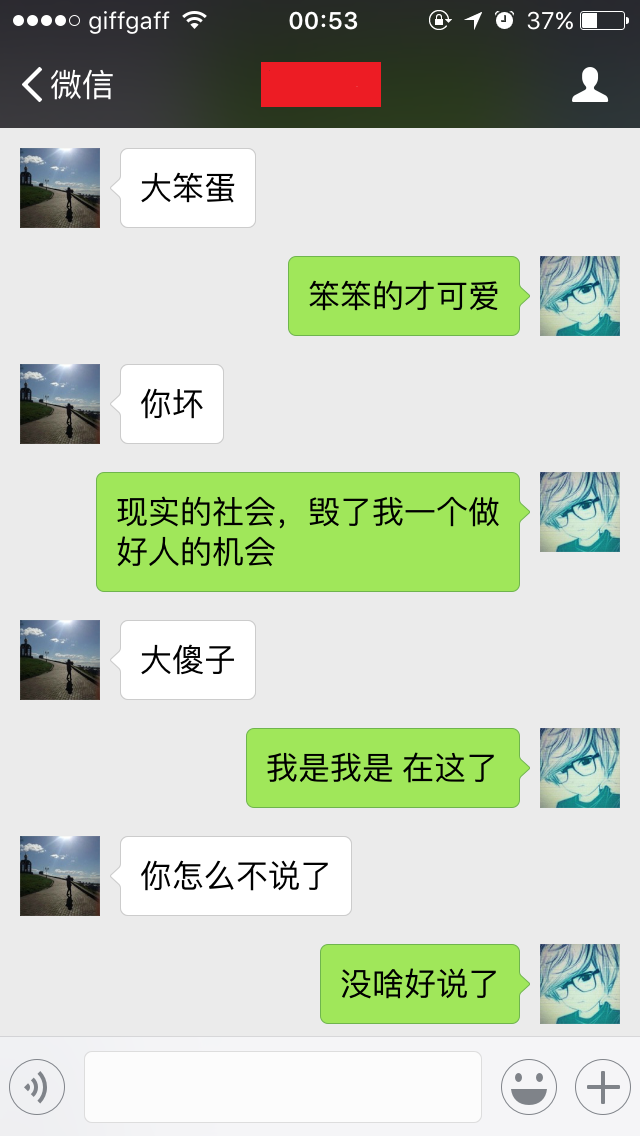
总结
本文使用了28行代码实现了一个会自动聊天的机器人.源码地址: 点我 ,
最后感谢IVAN的友情支持。
声明
本文0%为翻译组合, 100%为原创
正文到此结束
热门推荐







相关文章

近期评论
-
出现OpenClaw "device signature expired"。the Gateway rejects if Math.abs(Date.now() - signedAt) > 10 * 60 * 1000 (10 minutes)
-
-
想购买您这个站,我的联系方式QQ741756694微信同步 能卖联系
-
-
-
博主的博客用的什么技术栈,内容都是干货,赞
-
-
https://www.liuhaihua.cn/archives/40657.html 这篇博客中的图片打不开了
-
不会英语啊。
-
Loading...
![[HBLOG]公众号](https://www.liuhaihua.cn/img/qrcode_gzh.jpg)

